Find out in only 2 min
Take the free quiz to reveal the perfect Showit website template for your business!
Which Showit Website Is Right For You?

Get early access to the sale
Black Friday is coming.




The Showit website builder is my hands down favorite for a ton of reasons, not just including the drag and drop capabilities and limitless design possibilities. One thing I really love about Showit is the ability to import multiple page template designs into your website.
With just a few quick clicks, anyone can elevate their website design by adding a ready-to-go page template that’s already designed – all you have to do is add in your own content.
I’m going to walk you through exactly how you can add a new page design to your existing Showit website. This is ideal if you want to add a sales landing page, portfolio page, shop page, resources page, or any kind of specialty add-on page for Showit.

1. Copy Your New Site Key
Once you are ready to add your new page template, you’ll need to copy the site key provided by the page creator (it will look like a series of random letters and numbers).
2. Add To Library
In Showit, click your profile icon in the bottom left corner where your name is. In the pop up window, click Add To Library.

3. Paste Your Site Key
Next, in the following pop up you’ll paste in the site key code to import the new designs into your existing site.
👉🏻 Hot Tip: Make sure the site key does NOT have any spaces between the characters or any blank spaces before or after the site key. This will cause the key to not work.
4. Confirm Your Design
Finish by clicking the blue Start With This Design button to add the design to your library.

5. Add New Page Designs To Your Site
Next you’ll finally add the designs to your existing website. Under the Pages section in the Site tab, click the ⊕ plus icon and select Add from Library.

Next you’ll select the My Library tab and you’ll see a list of the imported designs you’ve added to your account.

After you choose the page you want to add from your library, you’ll then have the option to add the page the way it is, or add it with your own preset fonts and colors. Click the Add button.

You’re all set! It’s so incredibly easy to add new pages to your Showit website, especially ones that are already designed and ready for you to add you own images and content.
What do you think of this article? Do you have any questions for me? Ask me in the comments box below!


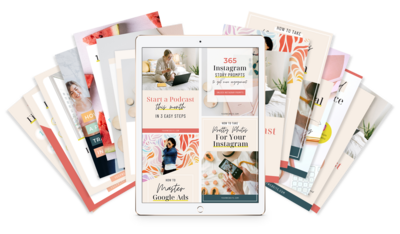



$157 - PAYMENTS AS LOW AS $36.75/MO
Showit Website Template for Health Coach
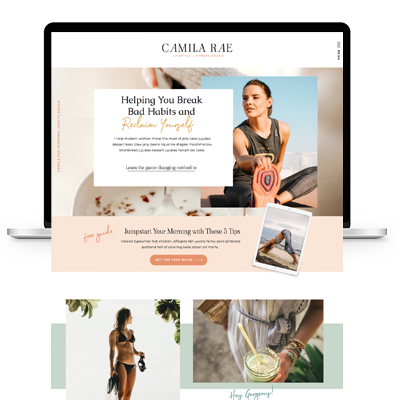
$157 - PAYMENTS AS LOW AS $36.75/MO
Showit Website Template for Coaches
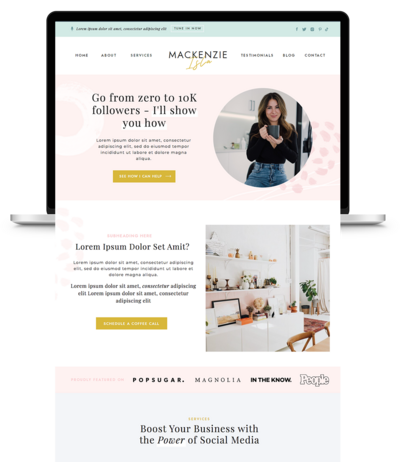
$157 - PAYMENTS AS LOW AS $36.75/MO
Showit Website Template for Virtual Assistant
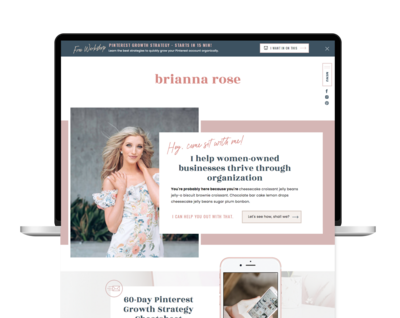
$157 - Payments as low as $36.75/MO
Showit Website Template for Coaches
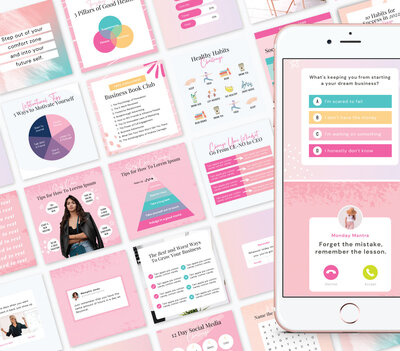



Boost Your Business with Fun Quizzes!
Free Quizzes
Leave a Reply

Next Story
Previous Story


TAKE THE QUIZ
Discover your brand's unique personality + reveal a special offer!
What is Your Brand Personality?