Find out in only 2 min
Take the free quiz to reveal the perfect Showit website template for your business!
Which Showit Website Is Right For You?

Get early access to the sale
Black Friday is coming.





Including a FAQs page (fact and questions) on your Showit website is a great way to let customers find answers to common questions. Not only does it reduce confusion or doubt for potential customers, but FAQs increase your chances of showing up in search results for Google and AI.
FAQs shouldn’t just exist on a single page, you can include them throughout your website for extra support to help guide your customers.
I’m going to walk you through 7 of the best places you should add FAQs to your Showit website – some of them you may have never thought of!
To help make things easier for you, I’ve created an FAQs section pack with 4 unique canvas designs. In just a few minutes, drop the canvas you choose into your design and add your FAQs.
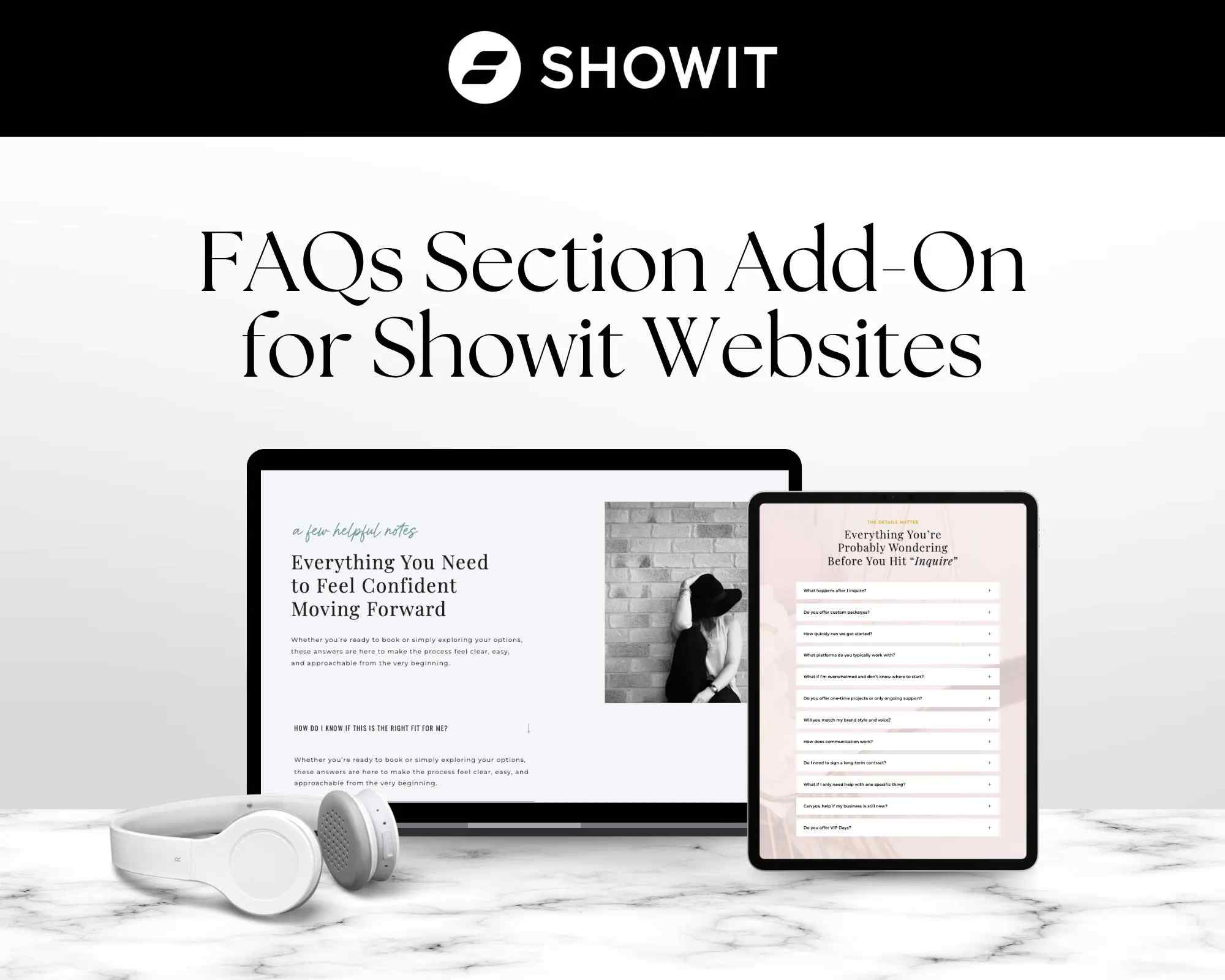
1. Product FAQs
If you sell a product or digital download, be sure to include an FAQs section on the page. You’ll want to address return policy, requirements, customer support, post purchase information, details about the product or anything specific about your product that might cause your customer to hold off on purchasing.
2. Contact FAQs
When someone reaches your contact page, they are clearly ready to reach out to you with a question. Help them out by addressing your most common questions in an FAQs section. You can also use the FAQs section to walk your customer through what will happen after they reach out through your contact form.
3. Service FAQs
You can strategically use an FAQs section to help answer basic questions about your services to help improve SEO. Think about simple, easy questions someone might have about your service and chances are it will show up in a search engine result. An example would be, if you offer hair removal services your faqs section could include:
- Does hair removal work on sensitive skin?
- Does hair removal hurt?
- Can you remove coarse hair with waxing?
4. About FAQs
Adding FAQs to your About page is a great place to explain what it’s like to work with you and answer common questions customers may have about your business. Depending on the type of business you have, you can also use FAQs on your about page to answer questions about your business hours and location.
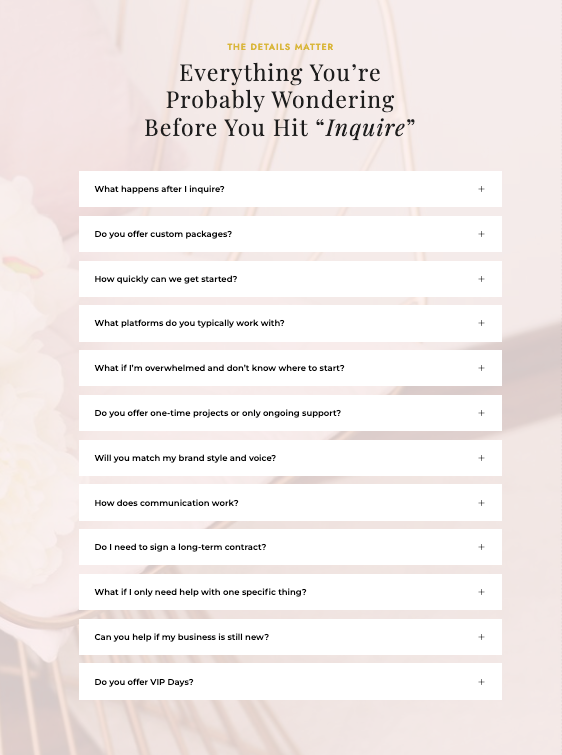
5. Homepage FAQs
One of the most overlooked pages for FAQs is your homepage. Sometimes visitors never make it beyond your homepage, so why not address your most common FAQs? Think about your customer’s biggest roadblocks and make a small FAQs section on your homepage. Some examples could be:
- What forms of payment do you accept?
- How do I book a call with you?
- What is your return policy?
6. Blog Post FAQs
I bet you didn’t realize that you can add FAQs to your blog posts! Each blog post can include a FAQs section to help answer questions covered in your blog post. This is not only great for boosting SEO, but allows readers who are glossing over your blog post to quickly find what they need.
7. Affiliate FAQs
Your affiliate landing pages are a great place to introduce FAQs your reader may have about the affiliate you’re promoting. Including FAQs helps your reader to decide if this is the right product or service for them by answering some of the questions they may have before making the next move.
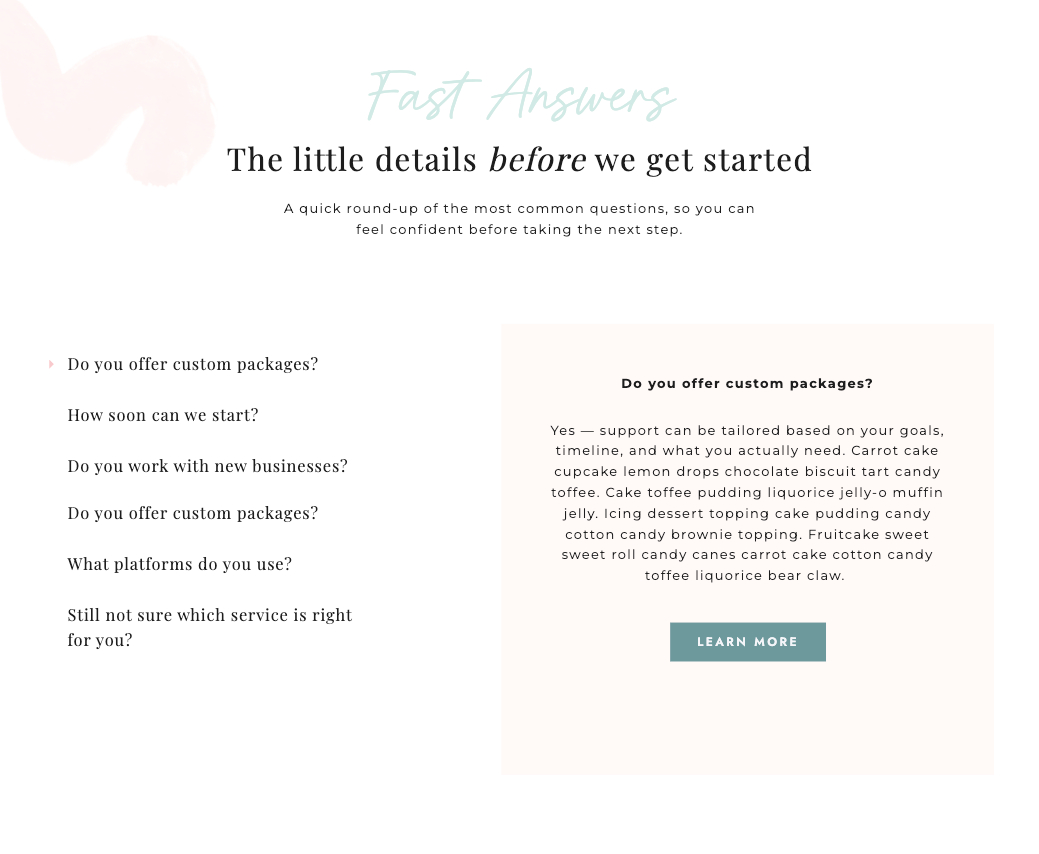
Adding a FAQs section to your Showit website doesn’t need to be a time-consuming task. With my ready to go Showit FAQs add-on template, you can instantly add an FAQs canvas to any page and just copy + paste your own content. Grab the template and give your Showit website a boost.



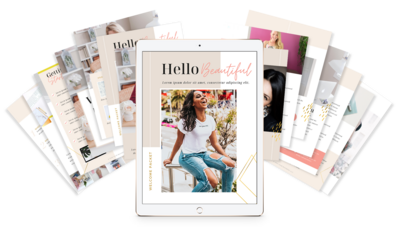
$157 - PAYMENTS AS LOW AS $36.75/MO
Showit Website Template for Health Coach
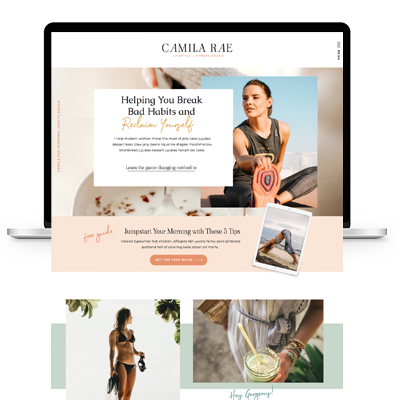
$157 - PAYMENTS AS LOW AS $36.75/MO
Showit Website Template for Coaches
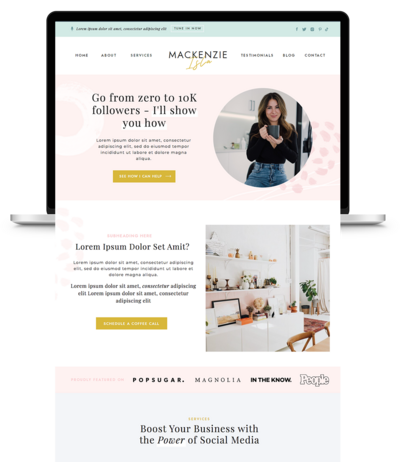
$157 - PAYMENTS AS LOW AS $36.75/MO
Showit Website Template for Virtual Assistant
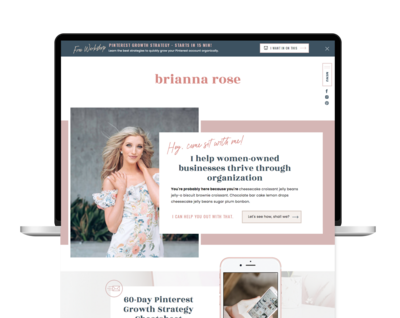
$157 - Payments as low as $36.75/MO
Showit Website Template for Coaches

TAKE THE QUIZ
What Is Your Brand Personality?


TAKE THE QUIZ
Find Your Perfect Add-On Page for Your Showit Website!

TAKE THE QUIZ
Find out which Showit website is right for you
Boost Your Business with Fun Quizzes!
Free Quizzes

Next Story
Previous Story


TAKE THE QUIZ
Discover your brand's unique personality + reveal a special offer!
What is Your Brand Personality?




Share Your Thoughts