Find out in only 2 min
Take the free quiz to reveal the perfect Showit website template for your business!
Which Showit Website Is Right For You?

Get early access to the sale
Black Friday is coming.





The other day I was chatting with a client about ways to improve her website and I suggested that she add a resources page. “I like it! What’s a resources page though?” was her response. It got me thinking that most business owners only know about the basic pages for their website like a homepage, about, contact, and maybe a services page – but they often forget to add a resources page.
I’m going to walk you through how to create a powerful resources page for your website that will help grow your business, increase sales and signups.
But first let’s talk about the purpose of a resources page and if it’s right for you.
What is a Resources Page Used For?
I like to think of a resources page as a lost and found for your business. It’s a central place to showcase all of your offers, affiliate links, free downloads, products, recommended items, podcasts, books, anything that your audience wants to know about.
Who Should Use a Resources Page?
A resource page can benefit almost any type of business website including:
- Coaches + VAs
- Content creators/bloggers
- Service providers (bookkeepers, copywriters, graphic designers)
- Health + fitness coaches
- Travel planners
- Photographers + event planners
- Interior designers
- Legal consultants
- Charity organizations
What Should Go On a Resources Page?
My favorite thing about a resources page is that this is your chance to not just share what you have to offer, but share what you love, what you know and what you think your audience may be interested in.
Your resources page should be a balance of products and/or services you offer through your business and recommendations outside of your business.
Some of the things you may want to include on your resources page are:
- Free downloads
- Free workshop
- Email subscribe
- Affiliate links
- Programs you use to run your business
- Favorite books
- Favorite podcasts
- Amazon picks
- Favorite products
- Favorite recipes
- Bloggers you follow
- Feeds you follow
How to Design a Resources Page
Earlier I mentioned that your resources page is like the lost and found section of your website. The design for this page should include many different sections, each with a different topic. This page can really peak your readers interest by having a fun design, not too much text and a well organized listing of everything you have to offer.
Showit Resources Page Add-On Template
To help speed things up, I designed the perfect resources template (Mackenzie Isla, below) for Showit sites. In just a few minutes you can easily add a beautifully designed resources page, mix and match the different canvases and plug in your content.

Everly Grace Resource Add-On Page Templates for Showit websites (below) includes two modern, stylish, easy-to-navigate hub for your freebies, courses, favorite links, and go-to resources—all in one beautifully designed place.
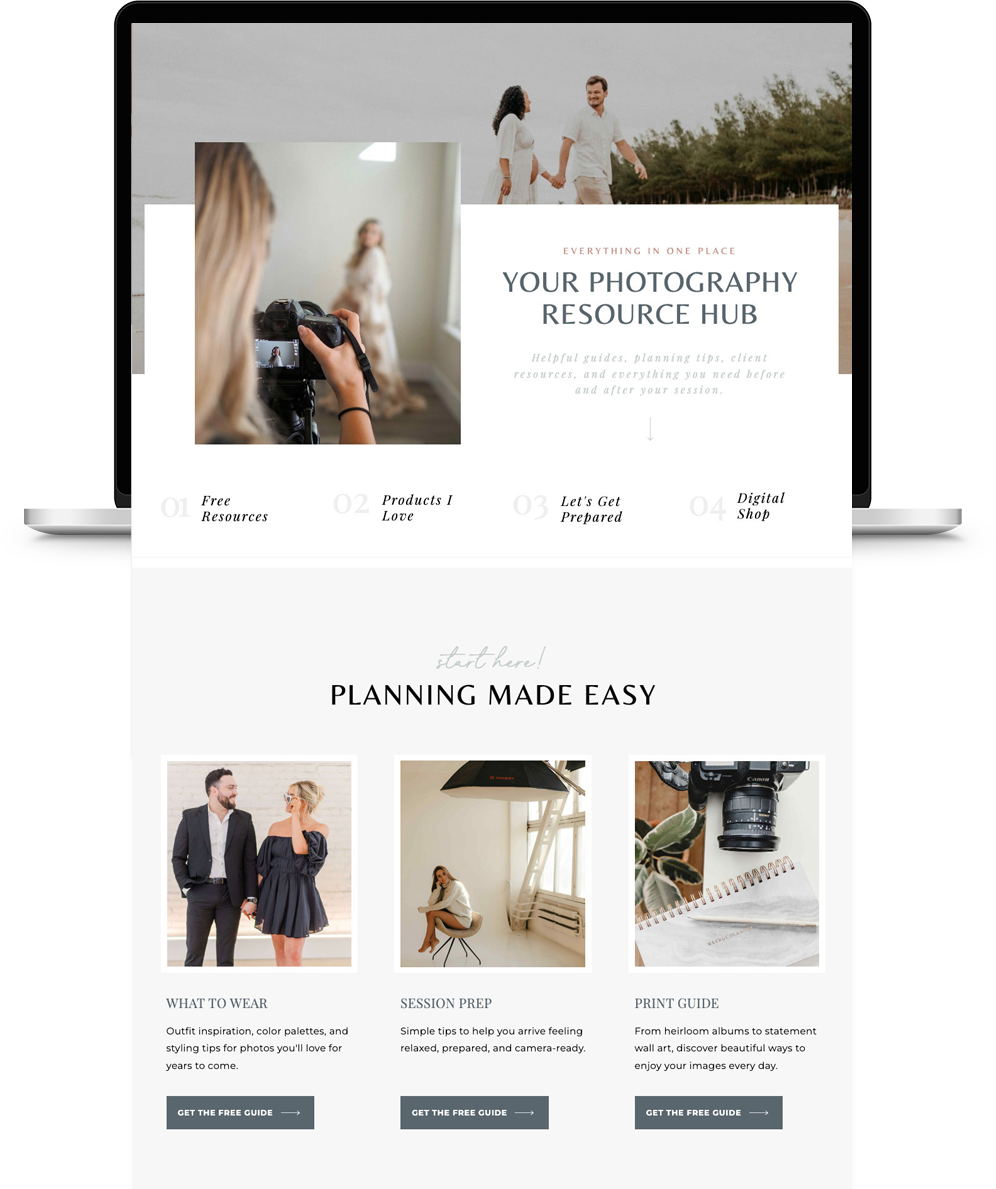
Looking for more inspiration? Head over to my resources page and take a look.
How To Make Money from a Resources Page
Your website’s resources page is the perfect place to add any affiliate links and share the products and programs that you truly love.
Some affiliates may give you a special offer which you can pass on to your audience through your resources page (ex. Just for my readers – save 20%!)
Join the Sugar Studios Affiliate Program
Here’s something to add to your resources page – sign up for the Sugar Studios affiliate program and earn 40% commission on every sale.
Learn How To Build Affiliate Landing Pages on Your Site
Boost your earning potential with SEO-friendly, high-converting landing pages for your affiliate links. This is the strategy I use to sky rocket my own affiliate income! Read the step-by-step guide →
Wrapping Things Up
Adding a resources page to your website should not be overlooked. It’s important to showcase all of your offers and links in one central hub. I’ve made it easier for you to get started by creating two perfect resource page add-on templates for Showit. Grab them here →


$157 - PAYMENTS AS LOW AS $36.75/MO
Showit Website Template for Health Coach
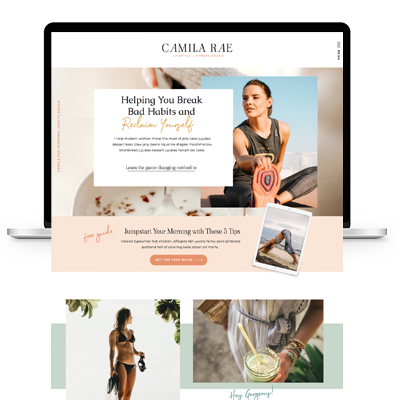
$157 - PAYMENTS AS LOW AS $36.75/MO
Showit Website Template for Coaches
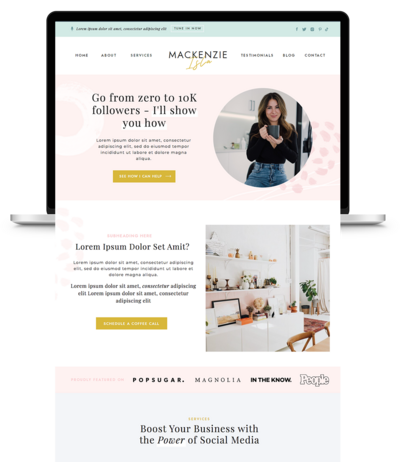
$157 - PAYMENTS AS LOW AS $36.75/MO
Showit Website Template for Virtual Assistant
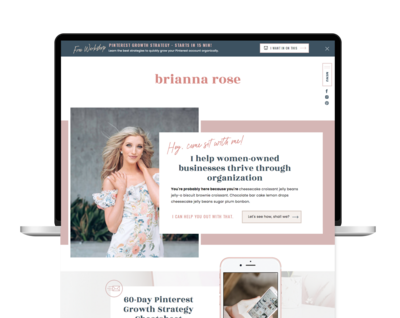
$157 - Payments as low as $36.75/MO
Showit Website Template for Coaches
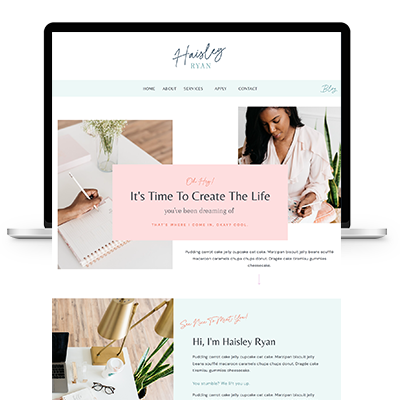
TAKE THE QUIZ
What Is Your Brand Personality?


TAKE THE QUIZ
Find Your Perfect Add-On Page for Your Showit Website!

TAKE THE QUIZ
Find out which Showit website is right for you
Boost Your Business with Fun Quizzes!
Free Quizzes

Next Story
Previous Story


TAKE THE QUIZ
Discover your brand's unique personality + reveal a special offer!
What is Your Brand Personality?




Share Your Thoughts