Find out in only 2 min
Take the free quiz to reveal the perfect Showit website template for your business!
Which Showit Website Is Right For You?

Get early access to the sale
Black Friday is coming.





These days, as a business owner, mom to two kiddos and a professional chauffeur to people who still sit in booster seats, I wear many hats and have very little time to work on my business website. 🤪
When I discovered that my favorite quiz creating tool Interact can create quizzes for me using AI, it was a total game changer. No longer did I have to waste time brainstorming ideas for a quiz and worry about writing the perfect copy.
If you’ve been putting off adding a quiz to your website because the thought of actually creating and writing a quiz is too daunting, let Interact’s AI quiz creator do all of the work for you!
Let’s walk through how you can create a sales-boosting quiz in just 5 minutes (without having to deal with writer’s block 👩🏻💻) using the power of AI.
Quiz Making Tool Free Trial
If you haven’t tried making your own quiz you can give Interact a try with a totally free trial. You’ll get to build your very first quiz and see how it all works – without having to commit to any paid plan.
Signup for a free trial with Interact quiz maker
Create Your First Quiz with AI
After you create your account with Interact you can start creating your first quiz. You’ll want to choose the “Generate with AI” option (it’s so amazing!)

Next, you’ll be able to describe what you think you want your quiz to be about. It’s totally ok if you have no idea (I had no idea either). Instead, you can add a link to a page on your website and AI will come up with the ideas. 💡
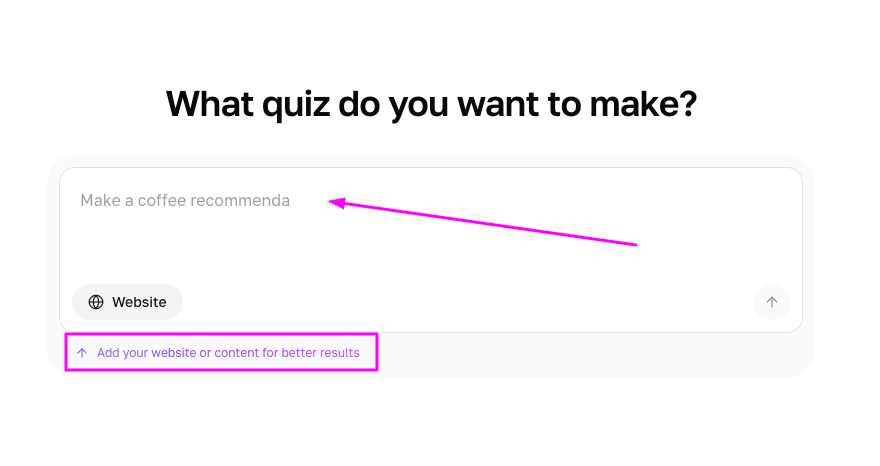
The AI quiz maker will offer up some ideas for the topic of your quiz – just make your choice and AI will help you write the rest! You can decide what you want the intention of the quiz to be (ex. Purchase a product, sign up for a service, etc.) and you can also decide what the outcomes will be (ex. Buy Product #1, Buy Product #2…)
🧙🏼♂️ Like a magic wizard, the Interact AI quiz builder generates a quiz that you could only dream of making – in just a few minutes! What could possibly take you hours or even days to create, is done in just minutes using AI.

Add Your Quiz to Your Website
With Interact, you can embed your quiz right into your website. Just pop in the embed code and voilà the quiz is on your website for everyone to take! I like to create a special landing page just for the quiz, like this.
Customize Your Quiz Results Page
Before the quiz taker can see their results, you can have it setup where they must provide their email address to access their much-anticipated result. This feature has helped grow my email list by over 40% 🤩 📈.
The Interact AI quiz creator will create all of the content for your results page (such a huge time saver) but my favorite thing to do is create a customized results landing page for each quiz result.
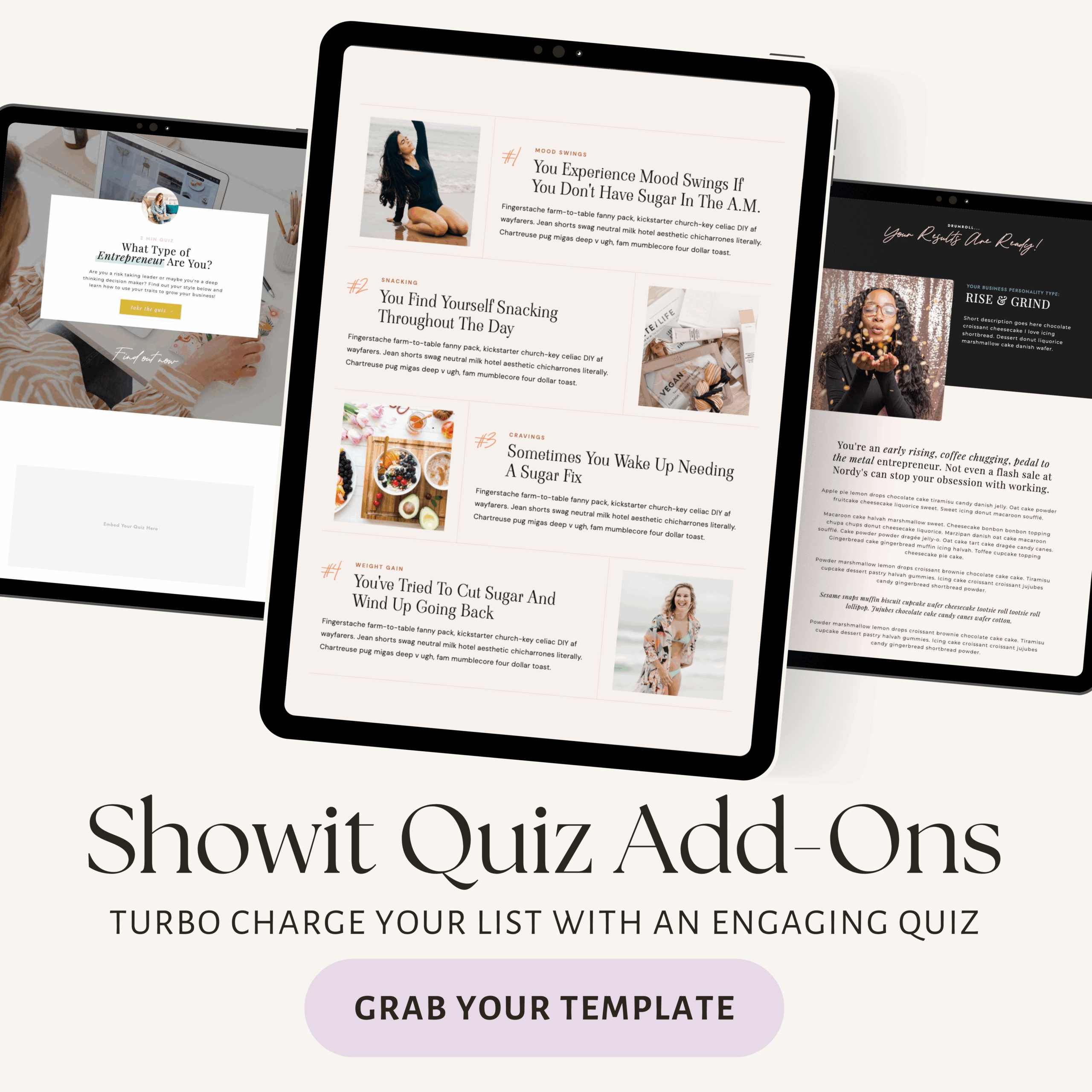
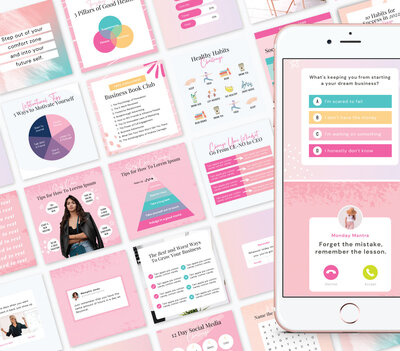
I’ve created add-on quiz templates for Showit websites with tons of gorgeous layouts you can use to create quiz landing pages and customized results page all while keeping your quiz takers totally engaged.
Wrapping up…
If you want to see a huge boost in subscribers, sales and keep people engaged with your website, you’ll want to add quizzes to your business website.
Interact makes you look like the superstar business owner that you are by using AI to quickly create authentic and meaningful quizzes to actually help your readers.
Combined with my drag and drop quiz templates for Showit, you’ll be on your way to standing out among the competition.
What do you think of this article? Do you have any questions for me? Ask me in the comments box below!
Love this post? You might also like...



$157 - PAYMENTS AS LOW AS $36.75/MO
Showit Website Template for Health Coach
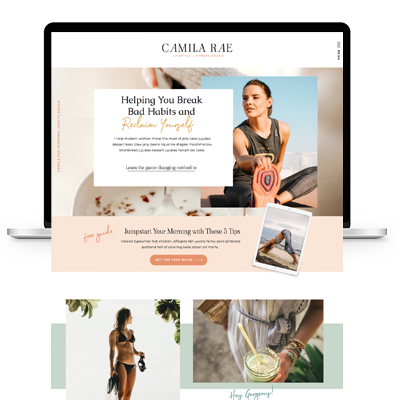
$157 - PAYMENTS AS LOW AS $36.75/MO
Showit Website Template for Coaches
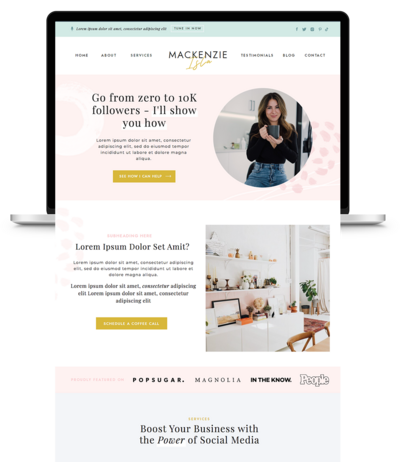
$157 - PAYMENTS AS LOW AS $36.75/MO
Showit Website Template for Virtual Assistant
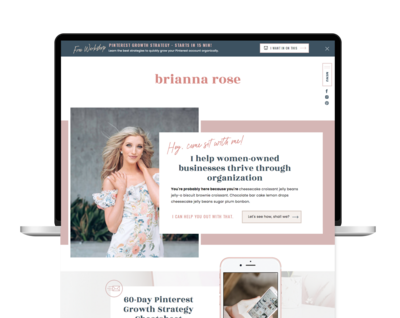
$157 - Payments as low as $36.75/MO
Showit Website Template for Coaches
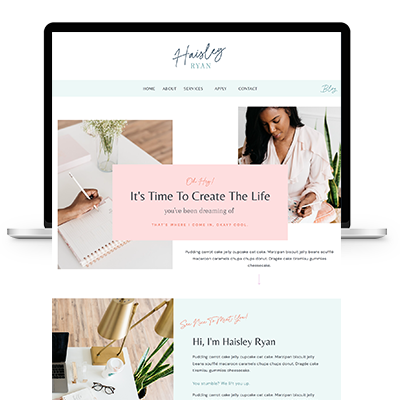

TAKE THE QUIZ
What Is Your Brand Personality?


TAKE THE QUIZ
Find Your Perfect Add-On Page for Your Showit Website!

TAKE THE QUIZ
Find out which Showit website is right for you
Boost Your Business with Fun Quizzes!
Free Quizzes

Next Story
Previous Story


TAKE THE QUIZ
Discover your brand's unique personality + reveal a special offer!
What is Your Brand Personality?




Share Your Thoughts